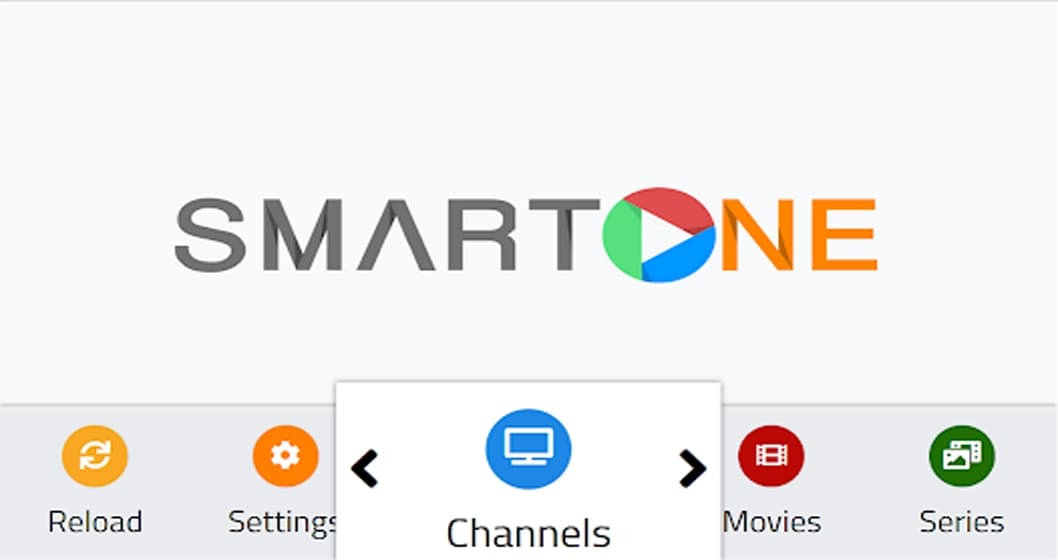
SMART ONE IPTV – Premium IPTV channels
SmartOne IPTV App Installation Guide
If you are using an LG & Samsung Smart TV, then you can install this app directly from the LG Content Store and Smart Hub.
1. On the Samsung/LG Smart TV remote, press the Home button.
2. Select Samsung Smart Hub/LG TV Content Store.
3. Click on the Search icon to find SmartOne IPTV.
4. Select the app and click the Install button.
5. Click Open to launch and stream SmartOne IPTV on smart TV.
How to Activate SmartOne IPTV
1. Open the SmartOne IPTV Player app and note down the MAC address of your device.
2. Then, visit the activation website of SmartOne IPTV on your desired web browser.
3. Enter the MAC address and choose your desired subscription plan.
4. Now, hit the Make Payment button and complete the payment process.
5. Now, select the Upload Playlist tab at the top navigation panel.
6. Enter the MAC address you noted and the M3U URL of the IPTV Provider.
7. Click + Generate Smart Key button and upload the playlist files to your IPTV Player app.
8. Now, Reboot your TV and open the app and start streaming IPTV content.
you can get your subscription from here 4KIPTVSUBS.COM
Smart One IPTV in 2026: what to know
- Where it runs: Samsung and LG Smart TVs.
- How it connects: your M3U link is added on the developer's website against the TV's MAC address.
- Cost: a trial, then an activation fee paid to the developer — see why Smart TV apps charge activation fees.
Step by step
- Open Smart One IPTV on the TV and note the MAC address.
- On a phone or computer, open the Smart One website's playlist page.
- Enter the MAC and paste your M3U link; add the EPG link if there's a field for it — see adding an EPG URL.
- Restart the app.
Common problems
| Problem | Fix |
|---|---|
| Channels don't appear | Check the MAC; unplug the TV for 30 seconds |
| App freezes loading | Large playlist — hide groups, or use an app with Xtream Codes |
| Buffering | See the buffering checklist |
For a free alternative, use a streaming stick — see the best device for IPTV or our Samsung TV guide.
Frequently asked questions
Is Smart One IPTV free?
Smart One IPTV offers a trial, then the developer charges an activation fee for your TV's MAC address. It's separate from your IPTV subscription.
How do I add my playlist to Smart One IPTV?
Note the MAC address shown in the app, enter it with your M3U link on the Smart One website, then restart the app on your TV.