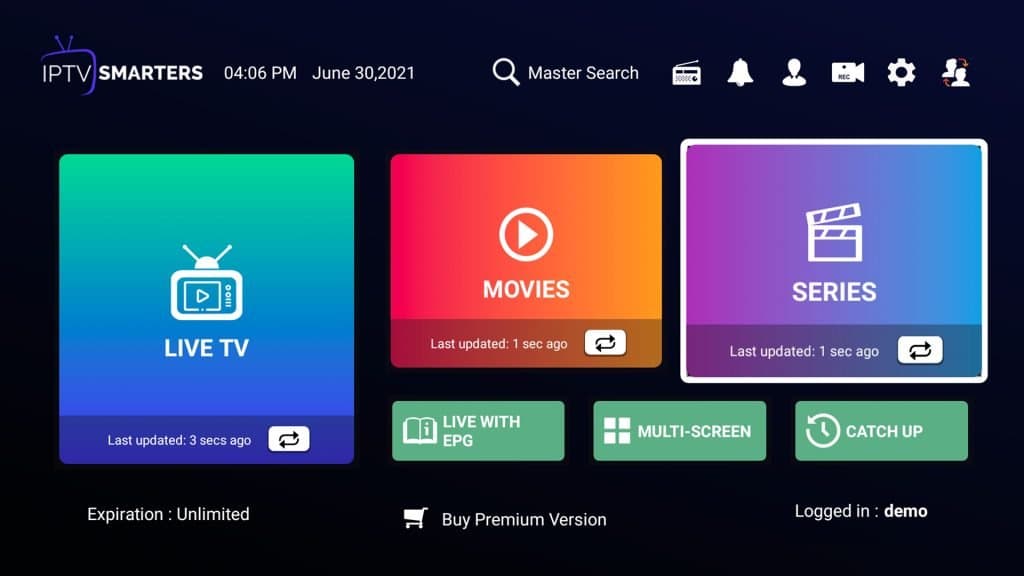
IPTV SMARTERS FOR SAMSUNG/LG TV – Premium IPTV channels
This tutorial will guide you through the simple setup instruction for a Samsung/LG Smart TV.
● For Samsung Smart TV
- Step 1 : Press the Smart Hub button from your remote.
- Step 2 : Search for the IPTV Smarters Pro to install.
- Step 3 : Log in the Application with your subscription details i.e. Username, Password, Portal URL.
● For LG Smart TV
- Step 1 : Press the Home button on the remote & Go to LG Content Store.
- Step 2 : Search for the IPTV Smarters Pro to install.
- Step 3 : Log in the Application with your subscription details i.e. Username, Password, Portal URL.
In order to view channel groups, press the blue button on your remote control.
2026 update: availability and alternatives
The TV version of IPTV Smarters has been available on some Samsung and LG models, but store line-ups change by model year and country. If you can't find it:
| TV | Alternatives | Guide |
|---|---|---|
| Samsung (Tizen) | IBO Player Pro, SET IPTV, Smart One | Samsung TV guide |
| LG (webOS) | IBO Player Pro, SS IPTV, SET IPTV | LG TV guide |
Many of these charge a one-off activation fee after a trial — see why Smart TV apps charge activation fees.
Logging in
Use your Xtream Codes details: server URL (with http:// and the port), username and password — see Xtream Codes setup. Older instructions sometimes call the server URL the "portal URL".
Tips
- Use the TV's Ethernet port for steadier playback.
- Switch motion smoothing off if sport looks artificial.
- If the app is slow, a streaming stick often runs Smarters faster than the TV's own processor — see the best device for IPTV.
Smarters' settings are explained in IPTV Smarters settings.
Frequently asked questions
Is IPTV Smarters available on my Samsung or LG TV?
It depends on the model year and country. The TV app line-up changes over time, so search your TV's app store. If it's not listed, IBO Player Pro or SET IPTV do a similar job.
What login does IPTV Smarters on a TV use?
The same Xtream Codes details as on other devices: server URL (with http:// and port), username and password.